Whether you are a business or an individual, having a secure website or web application is a major asset in a world where hackers are constantly growing. Through its many assets, the SSL certificate ensures the confidentiality of your users’ personal data on the network and prevents intrusions or hacking of data by malicious people. Therefore, to benefit from it, you must pass your URL in HTTPS so that the connection between your website and the server is secure. In this article, read the steps to adopt SSL and meet the requirements and recommendations of Google and its Chrome browser!
What is HTTPS?
1. HTTP, the ancestor of HTTPS
Initially
HTTP
is a
protocol that establishes communication between the customer and the server
. It is now very easily identifiable on web browsers through its
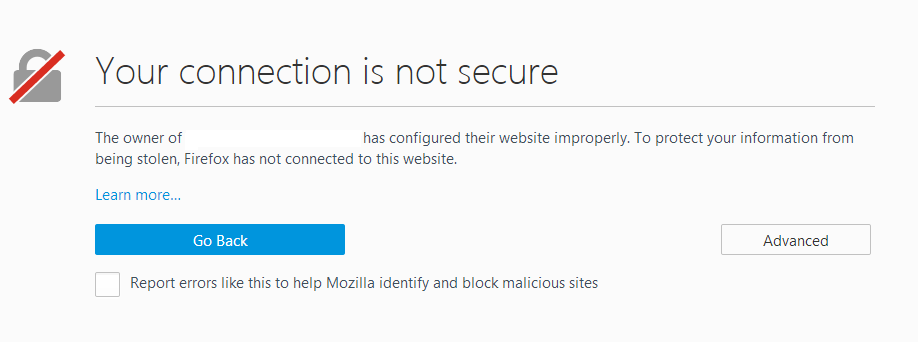
warning message
stating “
this connection is not secure
“.
Identifying yourself through an HTTP website is like sending a letter without an envelope…
You offer your personal data to potential
hackers
and you put
yourself in danger
. On the other hand,
if you have a site in HTTP
, someone else on your network can read or modify your website and thus
damage its credibility
.
2. All about HTTPS
HTTPS (
H
yper
T
ext
T
ransfer
P
rotocol
S
ecure) is the
secure version of the HTTP protocol
. This “
S
” meaning “
Secure
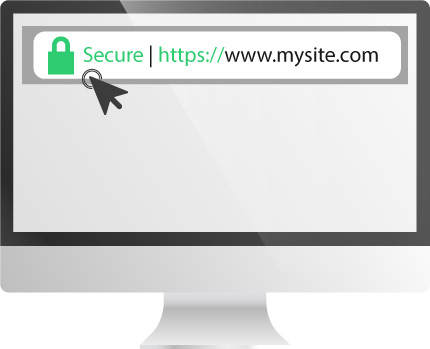
” informs that your website or web application is
secure
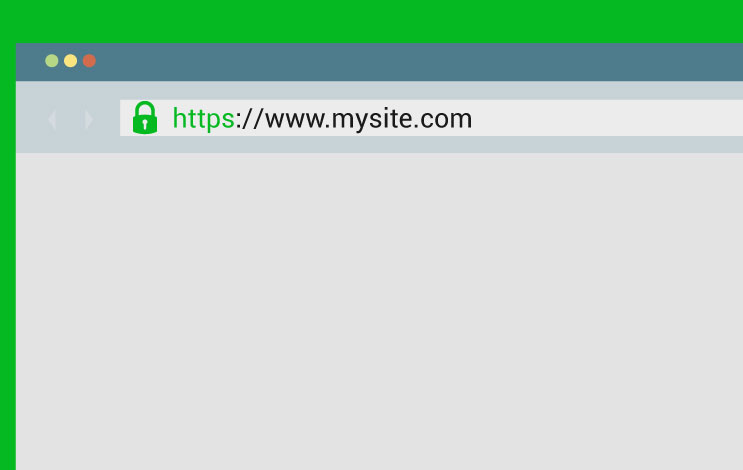
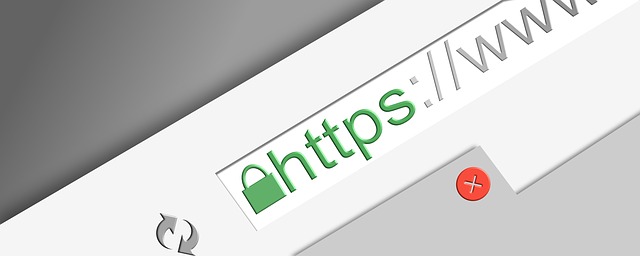
. It is identified with a small
green padlock
at the URL.
The
communications between the customer and the server
are
encrypted
, which means that the computer data exchanged are not readable by malicious people. Thus, this protocol guarantees the
confidentiality of the sensitive data
transferred from the web application or the website to the web server thanks to its encryption.
Therefore,
to get the HTTPS address
there are different
SSL/TLS certificates
that will allow you
to protect your website and web application but also your users
.
How to switch to HTTPS with HTTPCS?
- To protect yourself against hackers & preserve the confidentiality of your website or web application information.
Through a
SSL certificate
, you
protect your website
from intrusions on your server. It protects you against the
Clear Text Password
and
preserves the confidentiality of information
transferred from the site to the server.
By encrypting information, your platform becomes a real castle against hackers!
« The SSL certificate is your digital identity card! »
- To reassure your Internet users.
Your users will be more tempted to surf your web application if it is secure
especially as we are in an era where users are increasingly suspicious of the dangers on the net. The
HTTPS SSL certificate
is therefore a
key factor
in
preserving
the
personal data
of your visitors. On the other hand, it ensures a mark of
trust
for your customers and emits a
positive image
. Indeed, a prospect who feels confident will want to consume more on your site, or to recommend you.

On the other hand, a website
without SSL certificate
will have on its page “
this connection is not secure
“. Therefore he will have a
negative image
towards his Internet users.
The number of visitors will weaken
and the turnover will be constantly decreasing.
So,
having a website and a secure web application
is a
major competitive advantage
for your company.
- To promote your SEO.
Since 2014, Google has announced that websites with a SSL certificate would be favored for SEO in its search engine.
SEO being a
real asset
in a society where competition is omnipresent. More a website is well positioned in the search engine, the higher the number of visits.

Having a
good SEO
shows in some ways the “
place
” of your company on the market.
This is the magic effect of Google
!
How to switch to HTTPS with HTTPCS?
You just need
to buy a SSL certificate which suits your needs the most
,
depending on the transfer
of data to secure or
the domain
you wish to protect. This video explains to you step by step the procedure to follow, from the purchase to the installation of your SSL.
This procedure takes place in several stages:
- I purchase my SSL certificate. On the page «Buy a SSL certificate», a buying guide allows you to understand the different mentions of a SSL (DV, OV, EV, Wildcard, SAN, Multi-Domain…). On the other hand, if you do not know which certificate to choose, our page «Find the SSL certificate which suits your needs the most» will allow you to direct your choice with only 3 questions!
- I complete the information required via the easy to use HTTPCS interface.
- I easily generate my CSR and paste the requested public key.
- I install my SSL/TLS certificate. To help you, here are our tutorials for installing SSL.
- I check that my SSL is correctly installed.
The SSL certificate by HTTPCS
To support you throughout your project,
HTTPCS offers a wide range of SSL certificates
such as Symantec, Thawte, Comodo, Geotrust and RapidSSL.
Our qualified experts
are
here to guide you throughout your process
.
The HTTPCS team offers you
many advantages
. Thanks to an
easy installation
and a guided approach, find your SSL certificate at the
best prices on the web
. You can
test it for free
and
without obligation
with a
satisfied or refunded
service within 30 days.
Let us guide you through our dedicated technical support and adopt the Secure Attitude!